
What Small Business Chatbot is
An AI receptionist for your website chats, calls and texts. It books from chat into your calendar and sends the follow-ups you set up.
What this does
Small Business Chatbot gives your business an AI receptionist. An AI chatbot answers visitors on your website, and an AI answering service answers callers on a phone number, day and night. You choose its name and photo under Look and Feel. You set it up, test it and read its conversations in one web app.
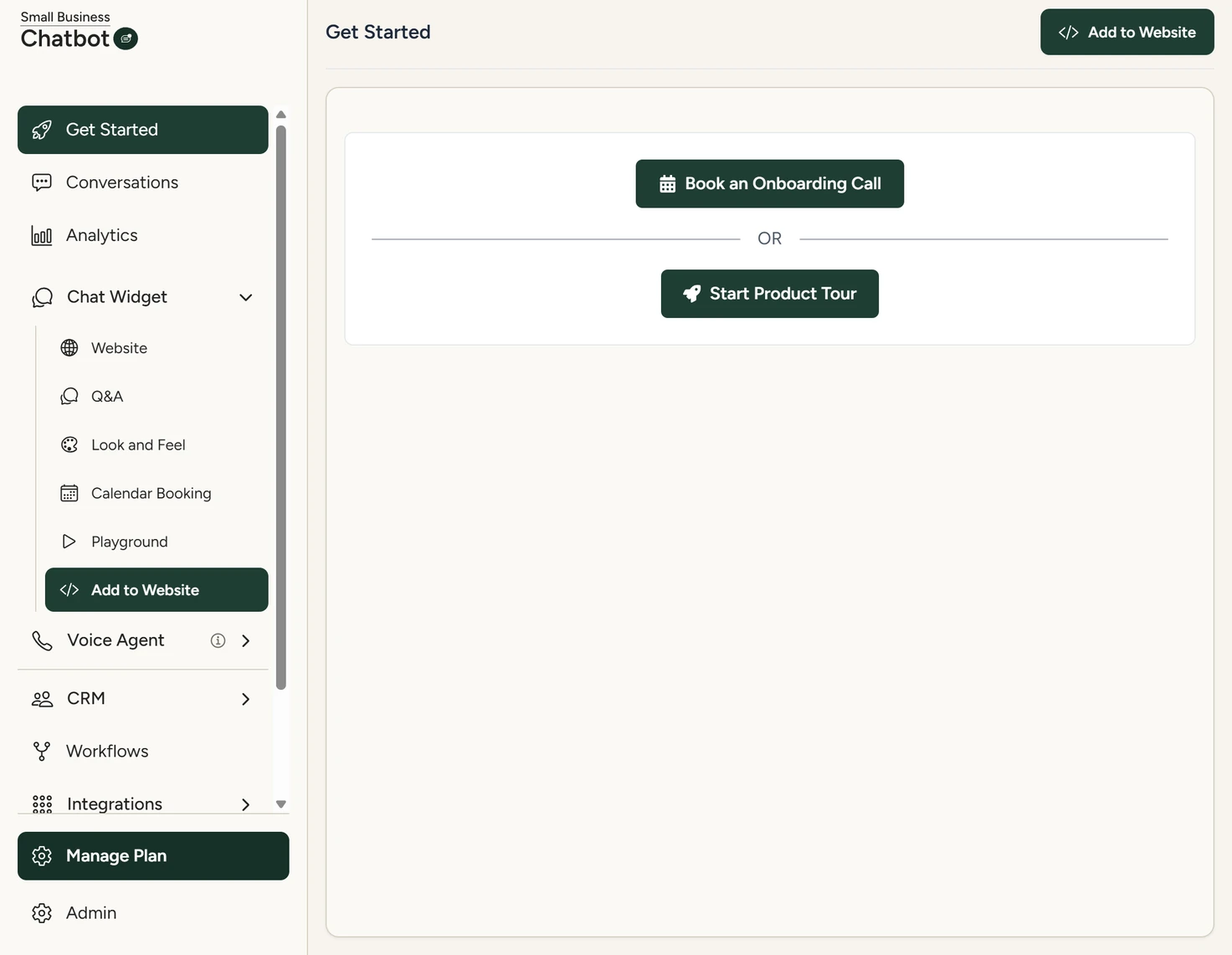
What it does
| Where | What happens |
|---|---|
| Website chat | The chatbot answers from your website pages and from the answers you write under Q&A. It books, reschedules and cancels appointments in your Google Calendar or Outlook calendar. It saves the visitor's name, email and phone on the conversation and the contact. |
| Phone | The AI answering service answers calls on a local number. You forward your line to it all the time, or only when you don't pick up. It answers from your Q&A, and with website lookup switched on it also searches your website pages. It can offer to text the caller your booking link. When transfer is on, it puts the caller through to your number when they ask for a person. |
| Texts | The texting agent replies to texts sent to your number when you switch it on. |
| Follow-ups | Workflows send texts, emails and AI calls after a chat, a call, a booking or another event. They start as drafts. Nothing sends until you publish a workflow and switch outbound messages on. |
| CRM | Contacts save themselves from chats (when the visitor gives a phone or email), calls, texts, email replies and bookings. Each text, email and call a workflow sends is logged on the contact. |
When a chat or a call ends, you get an email with a summary and the transcript. Calls flagged as likely spam skip the email. When you switch call recording on, a call's email also has a Listen link to the recording. Summary emails shows who gets them.
When your website changes, start a re-scan under Chat Widget › Website, as Train the chatbot on your website shows.
Connect your other tools
A workflow's HTTP request step sends data to any tool with a public API. Any tool's webhook brings data in through an inbound webhook. Zapier sends chats, calls and bookings to other apps.