
Phone number and voice
Pick a local number for the AI receptionist, choose the name and voice it uses on calls, and forward your business line to it.
What this does
The AI receptionist in Small Business Chatbot answers calls on a phone number you pick. You choose the area code, the name it gives and one of eight voices. It answers every call to that number at any hour, so calls after hours and at weekends get answered too. Callers reach it by dialling the number, or through your existing line once you forward it. Greeting and call rules covers what it says on a call.
Get a number
- Open the panel
In the app, open Voice Agent › Settings. Before you have a number, the panel shows a Get Started button. Click it.
- Search an area code
Under Select an area code for your voice agent, type a three-digit area code and click Search. The app lists up to 10 local numbers that take both calls and texts.
- Pick the number
Under Choose a phone number for your voice agent, click a number. The button asks Proceed with this number? Click the check mark to take it, or the cross to choose again.
- Copy your number
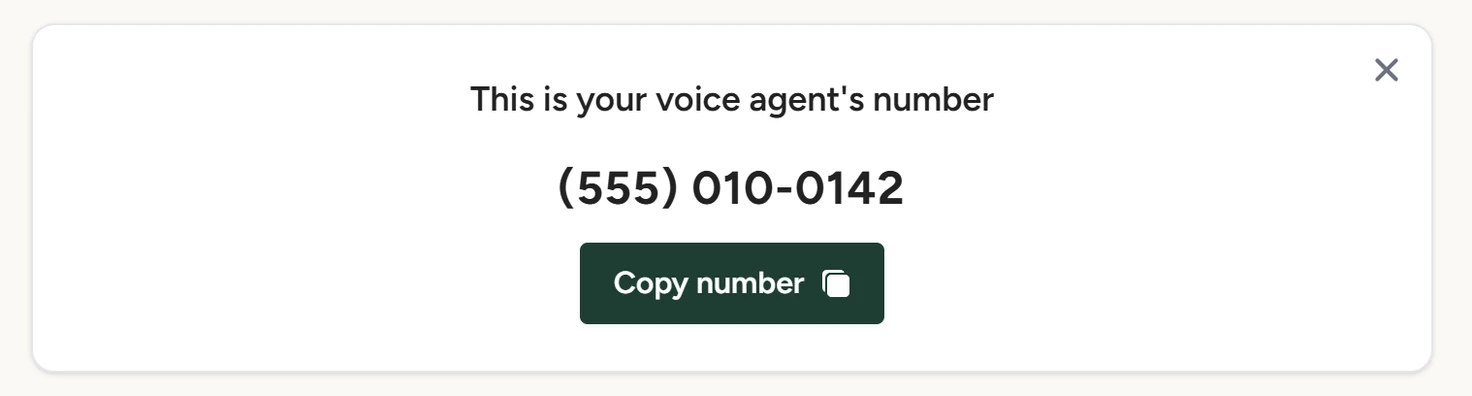
The panel now opens on the card This is your voice agent's number. Click Copy number to copy it for your carrier's forwarding or your website.
Voice Agent › Settings, October 2026
Each account has one number. Texts go out from it too, as How texting works explains.
Forward your existing line
Callers who dial your new number reach the voice agent. To make it the AI answering service for your existing business line too, set call forwarding to your voice agent's number with your phone carrier. Forward all calls, or only the calls you don't pick up. Your carrier's forwarding decides which calls the voice agent gets, and your existing number stays with your carrier.
Settings
These fields sit under the number card. After a change, click Save at the bottom of the panel. The app shows Voice agent saved! and the next call uses the change.
Assistant Name
The name the voice agent gives on calls. It is separate from the name set for the chat widget in Chat Widget › Look and Feel.
Company Name
The business name the voice agent uses on calls and in the booking-link text it sends. It starts as your chat widget's company name when you pick the number.
AI Speaker
The voice it speaks with. The list has eight voices: shimmer, ash, ballad, coral, sage, verse, alloy and echo. The default is sage. AI calls placed by your workflows use the same voice.
To hear a voice, pick it, click Save, then call your number.
Release the number
Click the × at the top right of the number card (Release number). The app asks Permanently delete this number? Once you confirm, calls and texts to that number stop reaching the app. Your other voice settings stay, and Get Started lets you pick a new number.
Releasing a number is permanent. The number is also released when a subscription is cancelled or a payment is disputed, as Cancel and number release explains.
If something goes wrong
| What you see | Why | What to do |
|---|---|---|
| Enter a valid 3-digit area code | The box needs exactly three digits. | Type the three digits with no spaces or brackets. |
| Sorry, no numbers available for that area code. | No local numbers are free in that area code. The search covers US numbers only. | Try a neighbouring area code. |
| Failed to purchase number | The purchase didn't go through. | Search again and pick another number. |
| Calls to your old line don't reach the voice agent | Forwarding isn't on at your carrier. | Call your voice agent's number directly to check it answers, then check the forwarding with your carrier. |