
Support
Reach our team from the app, by booking a call or through the contact form, and see what support each plan includes.
What this does
There are three ways to reach the Small Business Chatbot team: the Support panel in the app, an onboarding call, and the contact form on our website. Managed adds a dedicated account manager. Troubleshooting and the FAQ answer the common questions.
Ask in the app
- Open Support
In the app, open Support in the sidebar, below Integrations. The panel opens a chat with our own AI assistant. It is the same product you use, running on our account.
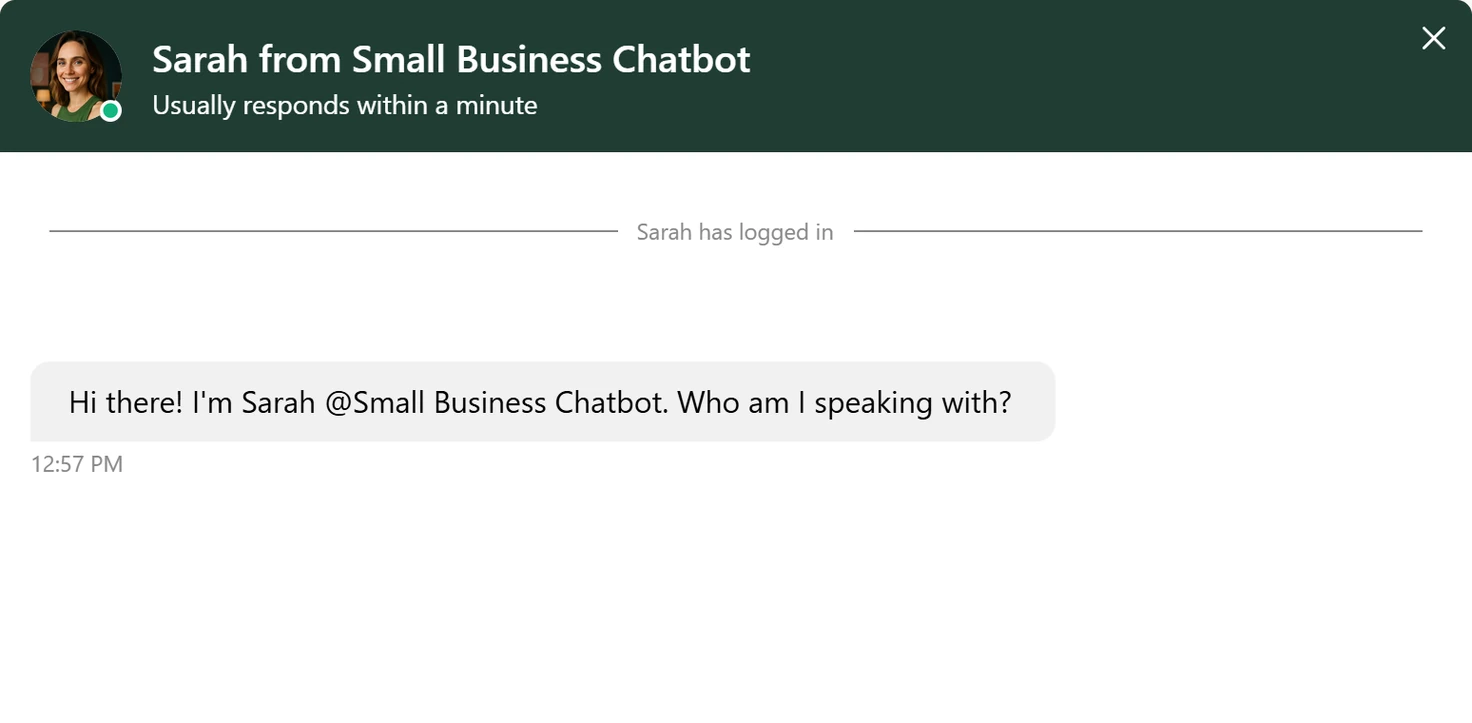
Support, October 2026 - Ask your question
Write what you were doing and what you saw. Name the panel, the button and any message, word for word.
- Leave your email
Give your name and email in the chat. When the chat ends, our team gets its summary by email, the same way you get summaries of your visitors' chats.
Book a call
In the app, open Get Started and click Book an Onboarding Call. It opens our booking page, where you pick a time.
Send a message
Go to our contact page. Under Send us a message, fill in Your name, Email, Business name (optional) and How can we help?, then click Send message. The message goes to the team.
What to include
- Your website address, so we find your account.
- The panel you were in, as the sidebar names it.
- What you clicked, and what you expected.
- Any message the app showed, word for word.
- For a call or a chat: the time it happened and the caller's or visitor's first name.
What each plan includes
| Self Serve | Managed | |
|---|---|---|
| Support | Email support | Priority support |
| Your contact | The team | A dedicated account manager |
| Setup | You set it up, with the product tour under Get Started | A 1:1 implementation call, then installation and agent configuration done for you |
| Changes | You make them in the app | Made by our team within 24 hours |
| Tuning | You adjust Q&A and instructions | Tuning from your real conversations, and maintenance as your website, services and hours change |
Plans compares the two plans in full.