
Schedule
Run a workflow every few minutes, hours or days, in the workflow's time zone, with no event behind it.
What this does
In Small Business Chatbot, the schedule trigger starts a run on a timer. The app calls it Cron. Nothing has to happen first, and the run carries no contact.
- Label in the app
- Cron
- Fires
- Every N minutes, hours or days, while the workflow is published
- Carries
- Nothing.
{{trigger.…}}values are empty. - Settings
- Run every
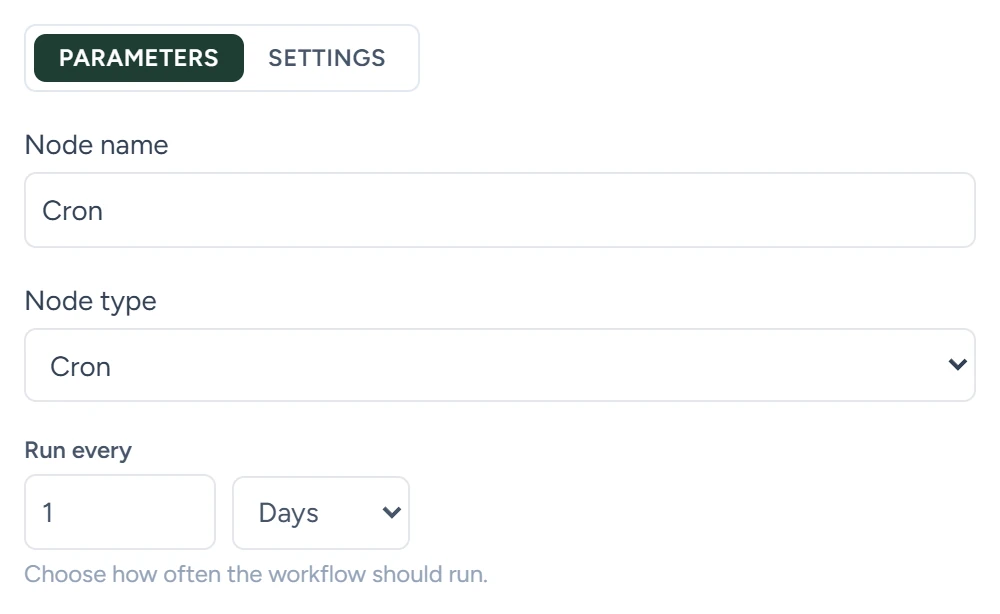
Run every
A number and a unit: Minutes, Hours or Days. The default is every 5 minutes. "Choose how often the workflow should run."
| Unit | Runs |
|---|---|
| Minutes | On the clock, every N minutes. Every 15 runs at :00, :15, :30 and :45. |
| Hours | On the hour, every N hours, counting from midnight |
| Days | At midnight, on every Nth day of the month, counting from the 1st. Every 1 runs daily. |
Times are in the Workflow timezone set in the workflow's left column.
When it fires
- The schedule starts when you save the workflow as Published.
- It stops when you switch the workflow to Draft and save, or delete it.
- Changing Run every or Workflow timezone takes effect when you save.
What it carries
Nothing. The run starts with an empty trigger, so steps that read {{trigger.phone}} or {{trigger.contact.email}} get empty values.
Use it for steps that work without a contact:
- An HTTP Request that fetches or sends data on a timer.
- A Send Email to an address you type in, such as your own.
To message contacts you pick, such as past customers, select them in CRM › Contacts and click Add tag, with a Contact tag added workflow.
Used in
- Triggers: how to pick a trigger.
- HTTP request: call another tool on a timer.
- Outbound switches and limits: the workflow timezone and daily limits.