
“We were genuinely surprised by how much opportunity was coming in after hours.”

Kenneth DeemerFounder, Local Roots Landscaping
Customer service chatbot
Give website visitors a clear answer while they are still looking for it. The AI chat agent uses your business information to handle routine questions, understand what the customer needs, and collect the context your team needs to take over.
Free personalized preview. No signup required. Website chat is the core experience. Phone coverage is optional.
 AI assistant from Your BusinessUsually responds within a minute
Trusted by service businesses that need a better first response online.
“We were genuinely surprised by how much opportunity was coming in after hours.”
“By far the easiest website chat to set up, implement, and manage.”

“The chatbot integrates seamlessly into our website, helping us engage customers instantly.”

Plain-language definition
An AI customer service chatbot is a website chat agent that understands a customer's question, responds from the information a business has approved, and guides the conversation toward an answer, appointment, or staff follow-up. For a small service team, it covers the repeatable first part of customer service without pretending every situation can be automated. It may also be described as a customer support chatbot or an AI chatbot for a website.
The chat agent starts with your website and the instructions you add, so answers reflect your actual services, policies, and service area.
Visitors can ask for help during the day, after hours, or while your team is already serving another customer.
The chat can ask a useful follow-up question, capture details, offer booking, or route the request instead of ending with a generic answer.
Questions it can handle
The best customer support chatbot is not the one that says the most. It is the one that answers the common question clearly, knows what detail to ask next, and recognizes when a person needs to step in.
Explain what you do, who you help, which jobs are a fit, and which requests need another provider.
Check a city, postal code, or territory before the visitor fills out a form or books the wrong appointment.
Set expectations for estimates, consultations, arrival windows, photos, access, and what the customer should prepare.
Explain call-out fees, estimate policies, starting points, or why the team needs more details before giving a price.
Help the visitor choose the right appointment path after the chat has confirmed the request is a fit.
Separate a new inquiry from a warranty, billing, rescheduling, or active-job question and collect the right reference details.
The workflow
A customer service chat should feel like a short, helpful conversation. It should not force every visitor through the same lead form.
The chat agent reads the visitor's wording and the recent conversation instead of matching a single scripted phrase.
The response uses the website knowledge, prompts, and boundaries you have provided for the business.
A relevant follow-up can confirm location, service, timing, account details, or another fact needed for the next step.
The visitor gets an answer, a booking path, or a clear promise that the conversation details will reach the team.
Trust by design
An AI answer is useful only when the business can stand behind it. Configure clear boundaries for emergencies, disputes, sensitive decisions, exceptions, and questions that are not covered by your source information.
Knowledge and control
Small Business Chatbot can crawl the public pages on your website for core business details. You can then add instructions for language, qualification, policies, and questions that should never be guessed.
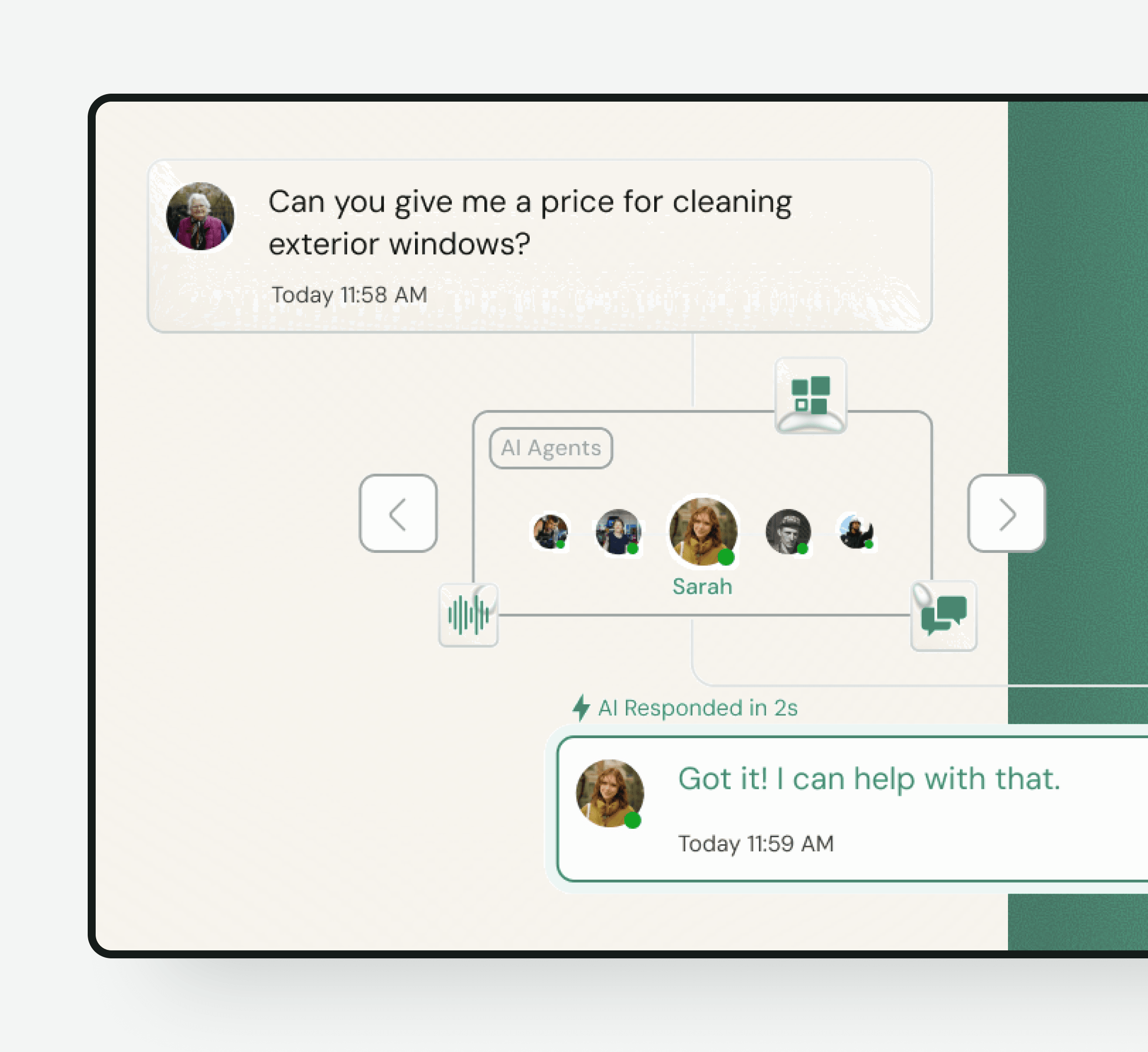
After-hours service
The website chatbot can explain normal service information and collect a request at any hour. It should never imply emergency coverage, guaranteed arrival, or staff availability unless those promises are true for your business.
New and existing customers
A new prospect asking whether you serve their area needs a different path from an existing customer asking about an invoice or an active job. The chat can identify the request type early and collect the information your team uses to respond.
Choose the right model
Most small businesses need a mix. Use the chatbot for immediate, repeatable help, people for judgment and empathy, and forms for requests that do not need a conversation.
| Customer service chatbot | Live chat | Contact form |
|---|---|---|
| Immediate website response | Only while someone is available | No immediate answer |
| Answers approved routine questions | Handles nuanced questions | Collects fixed fields |
| Can qualify and offer booking | Can solve exceptions live | Creates a follow-up task |
| Hands off bounded cases | Best for judgment and emotion | Best for simple asynchronous intake |
Human handoff
When a customer asks for a person or reaches a configured boundary, the useful handoff is the customer's contact information plus the question, relevant answers, and details already collected. Your team can pick up with context instead of making the customer start over.
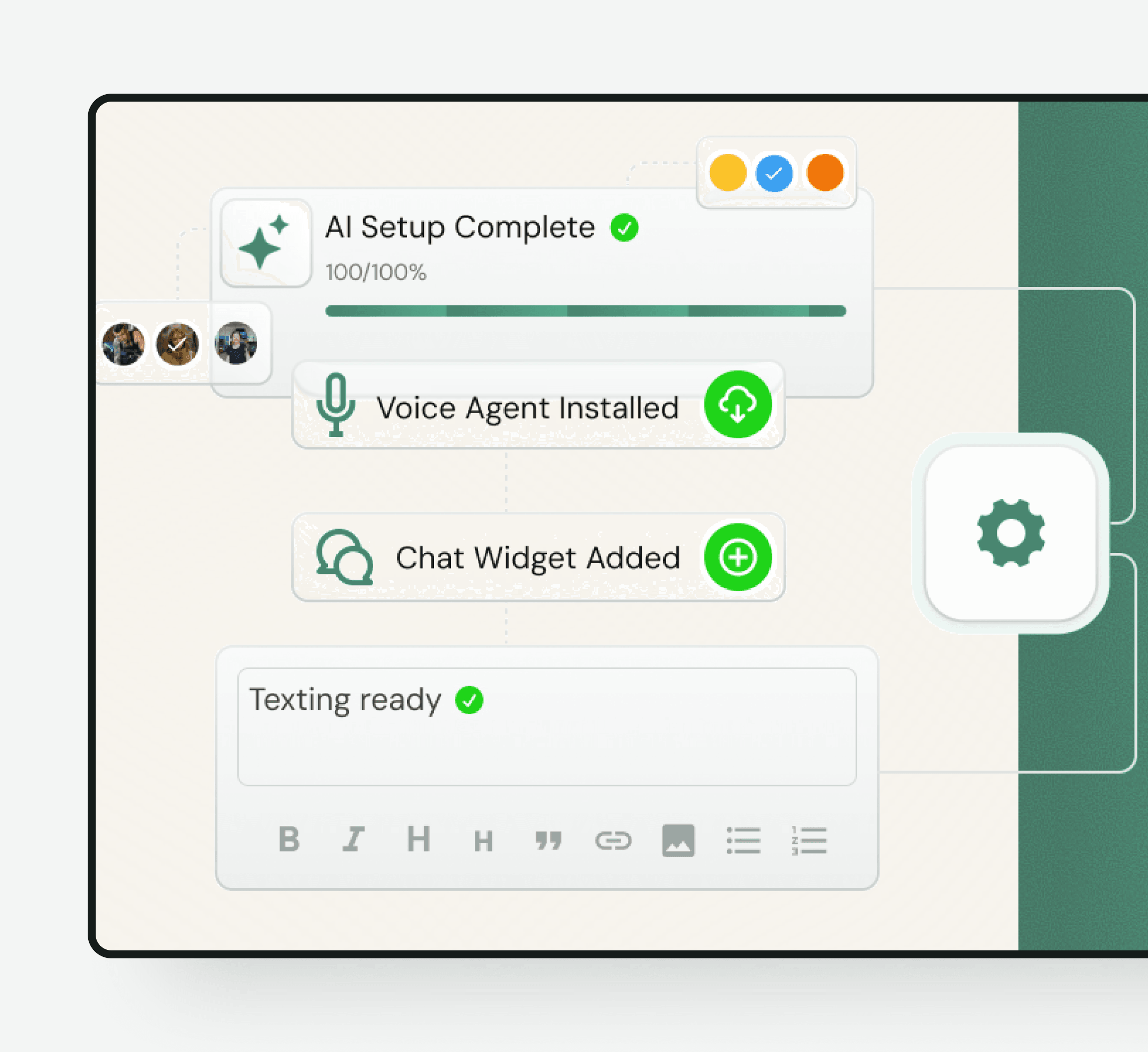
Implementation
Frequently asked questions
It is a website chat tool that understands customer questions, answers from approved business information, and guides the visitor toward a useful next step such as booking or staff follow-up.
No. An AI chatbot can respond immediately to routine questions without waiting for an available employee. Live chat connects the visitor with a person and is better for judgment, emotion, and exceptions. A small business can use both as part of one handoff process.
Yes. The chat agent can begin with information from your public website and follow the prompts and instructions you add. You control the services, policies, tone, qualification rules, and boundaries it should use.
It should say that it cannot confirm the answer, collect the details your team needs, and route the conversation for follow-up. The page and prompt setup should define which topics always require a person.
Yes. It can identify whether someone has a new inquiry, active job, appointment, invoice, warranty, or other request and collect the relevant reference details. Your team still handles cases that require account access or judgment.
The website chat can answer approved questions and collect requests at any hour. It should state your real business hours and must not promise emergency or staff availability unless your business provides it.
Yes. When a calendar is connected and the request meets your rules, the chat can offer available times and book the appropriate appointment.
Track the questions asked, conversations that receive a useful answer, requests routed to staff, qualified leads, booked appointments, and cases where the knowledge or handoff needs improvement. Avoid using conversation count alone as a success metric.
Get a personalized preview using your website, services, and common questions. No signup is required to see how the first conversations could work.
Free personalized preview. No signup required.