
“We were genuinely surprised by how much opportunity was coming in after hours.”

Kenneth DeemerFounder, Local Roots Landscaping
Lead generation chatbot
Give visitors an answer before asking for their information. The chat agent identifies commercial intent, learns what the person needs, collects the right details, and moves a good-fit inquiry toward booking or team follow-up.
Free personalized preview. No signup required. Built for inbound website leads, not cold outbound prospecting.
 AI assistant from Your BusinessUsually responds within a minute
Trusted by service businesses that need a better first response online.
“We were genuinely surprised by how much opportunity was coming in after hours.”
“By far the easiest website chat to set up, implement, and manage.”

“The chatbot integrates seamlessly into our website, helping us engage customers instantly.”

Plain-language definition
A lead generation chatbot turns a two-way website conversation into a usable sales inquiry. It answers the visitor's first question, recognizes when the visitor may want to buy, and asks for contact and qualification details in context. A conversation becomes a lead only when your team has enough information and permission to continue it. Related names include a chatbot for lead generation, a sales chatbot, and a chatbot for sales.
Answer the question that brought the visitor to the site before asking for a phone number or email.
Ask about service, location, timing, scope, ownership, or another field your team actually uses to decide fit.
Offer the right appointment, estimate path, callback, or resource instead of dropping every lead into the same inbox.
Lead capture and qualification
A long list of fields is not better qualification. Ask only for information that affects service fit, routing, urgency, pricing, or appointment readiness.
Collect the visitor's name and preferred phone or email after the conversation has established a reason to follow up.
Understand the job, goal, product, or issue so the inquiry reaches the right person and process.
Confirm that the address, city, or territory is one your business can serve before offering an appointment.
Separate research-stage visitors from immediate needs and use approved escalation wording for potentially urgent situations.
Ask for size, ownership, budget range, photos, or another criterion only when it is appropriate for the service.
Show the correct calendar or request path after the visitor meets the rules you set for that appointment type.
The workflow
The visitor should not have to choose between reading ten pages and submitting a generic form. The chatbot can answer, clarify, qualify, and then ask for the next commitment.
The conversation begins with the service, project, concern, or goal the visitor already has in mind.
The chat agent distinguishes general browsing from a person asking about availability, fit, a quote, or a booking.
The chat collects the few facts your business needs to route or accept the opportunity.
The lead can book, enter the CRM, trigger a team notification, or continue through an approved follow-up workflow.
Trust by design
A name and email tell you who responded. Qualification tells you whether the request matches the services, location, timing, and process your business can support. Keep both definitions visible in your reporting.
Qualification design
A plumber, remodeler, law firm, dental office, and cleaning company should not share one generic lead form. Build a short branch for each high-value request and collect the facts that determine its next step.
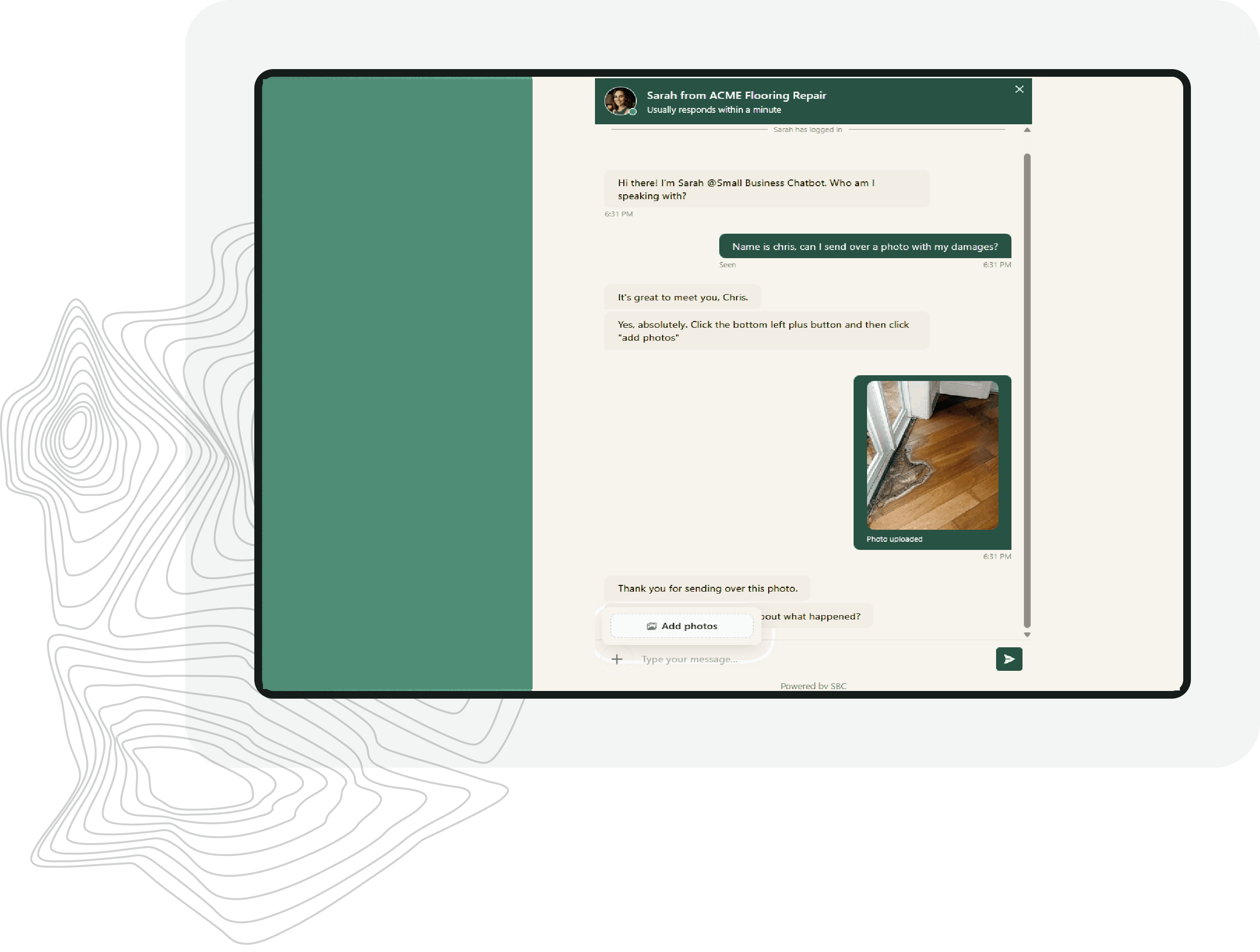
Booking and routing
Use the information collected in chat to choose the appropriate consultation, service call, estimate, location, or team. If a request is not ready for booking, send it to the right review or follow-up step instead.
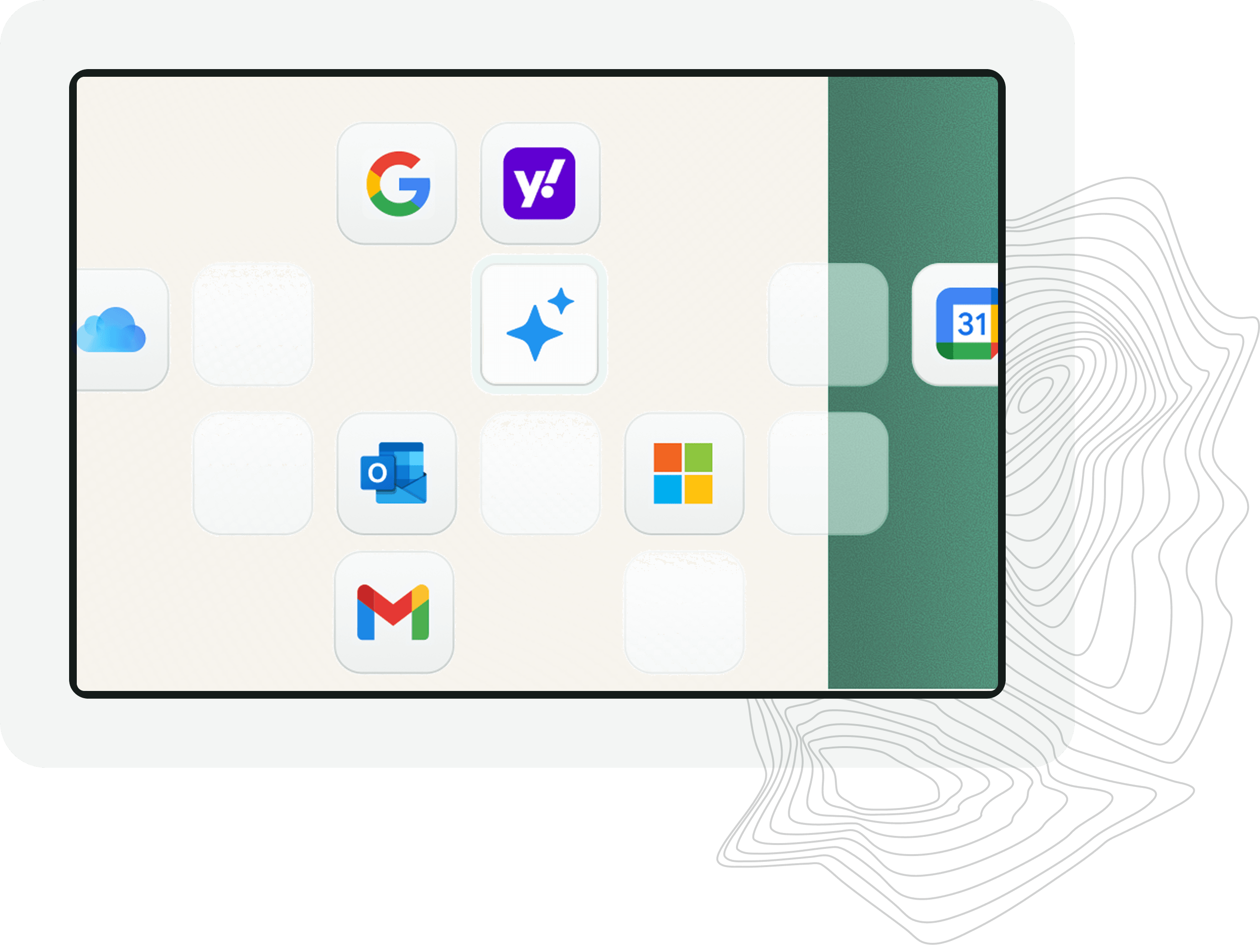
Attribution and measurement
Conversation count is not enough. Track how many visitors identify themselves, how many meet your qualification rules, how many book, and which pages or campaigns brought them to the site.
Choose the right model
Forms are useful when the visitor already understands the process. Chat is useful when the visitor has questions, needs help choosing, or benefits from qualification before seeing the next step.
| Lead generation chatbot | Website form | Live chat |
|---|---|---|
| Answers before asking for contact | Collects fixed fields | Answers while staff are online |
| Adapts questions to the request | Same path for every visitor | Staff chooses each follow-up |
| Can qualify and route automatically | Creates a review task | Can qualify with human judgment |
| Available whenever the site is open | Available anytime without answers | Limited by staffing hours |
Human handoff
A useful lead record includes the visitor's words, the answers already given, the qualification facts, the page or campaign context, and the next step requested. That lets a small sales team respond to the actual opportunity instead of starting with a blank contact card.
Implementation
Frequently asked questions
It is a website chatbot that turns a visitor conversation into a usable sales inquiry by answering questions, recognizing buying intent, collecting contact details, qualifying fit, and creating a next step.
A pop-up asks every visitor for the same fields. A chatbot can answer first, adapt its questions to the request, and collect the information needed for a particular service, location, or appointment.
It can collect names, phone numbers, emails, service or project details, location, timing, qualification answers, and photos where your setup calls for them. Ask only for information your team will use.
Yes. You can create different questions and next steps for different inquiry types. A consultation, urgent service request, estimate, and existing-customer question should not all follow the same path.
Yes. After the visitor meets your rules, the chatbot can show availability from a connected calendar and book the appropriate appointment type.
This page is about inbound website lead generation. After a visitor shares contact details and the appropriate consent, configured follow-up workflows can continue the conversation by text, email, or other enabled channels. It is not positioned here as a cold outbound prospecting tool.
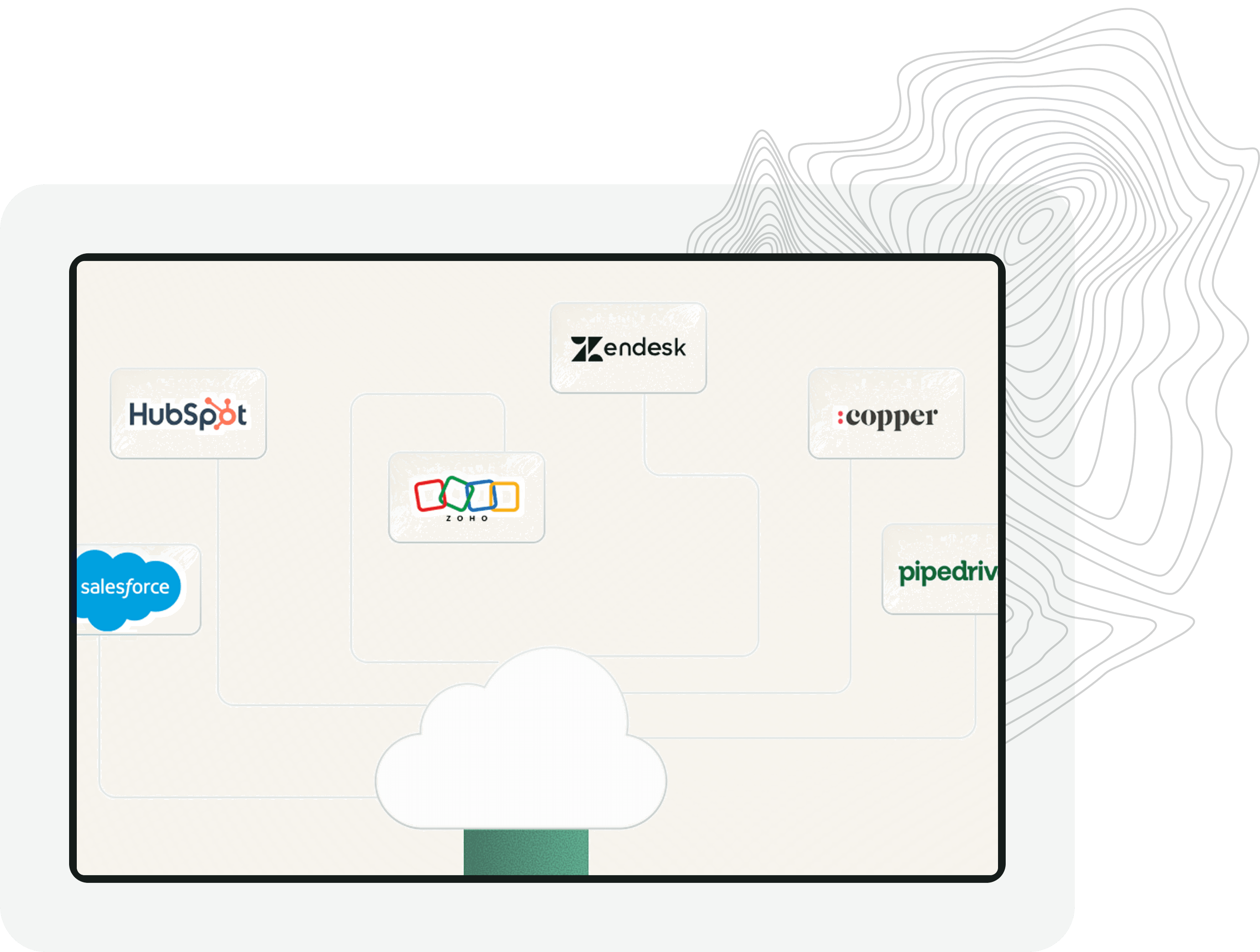
Yes. Small Business Chatbot supports CRM and workflow integrations so captured details and conversation context can move into the systems your team uses.
Track meaningful conversations, identified leads, qualified leads, booked appointments, source pages or campaigns, and downstream outcomes. Keep the definitions of captured lead and qualified lead separate.
Use your real services, service area, and qualification questions in a personalized preview, then decide whether a guided setup call would be useful.
Free personalized preview. No signup required.