
“We were genuinely surprised by how much opportunity was coming in after hours.”

Kenneth DeemerFounder, Local Roots Landscaping
AI customer service agent
The AI customer service agent does more than return an answer. It can use your business knowledge, understand the customer's goal, collect structured information, book from a connected calendar, create a lead or workflow action, and route conversations that need your team.
Free personalized preview. No signup required. Bounded actions, business-controlled knowledge, and a clear human fallback.
 AI assistant from Your BusinessUsually responds within a minute
Trusted by service businesses that need a better first response online.
“We were genuinely surprised by how much opportunity was coming in after hours.”
“By far the easiest website chat to set up, implement, and manage.”

“The chatbot integrates seamlessly into our website, helping us engage customers instantly.”

Plain-language definition
An AI customer service agent understands a customer's goal and can complete configured steps, not just display a scripted response. On a small business website, those steps may include answering from approved knowledge, qualifying a request, collecting structured details, offering a calendar, creating a record, or starting a workflow. It is also called a customer service AI agent or an AI agent for customer service. Its authority should remain narrow and visible.
The agent follows the conversation and distinguishes an information request from a quote, booking, change, or staff follow-up.
Configured calendars, CRM records, notifications, and workflows let the conversation create an operational next step.
The business decides which information and actions are approved and which situations require a person.
Agent capabilities
An AI agent earns the label by completing a useful, bounded customer job. It should not imply unlimited access, authority, or certainty.
Use website content and added business instructions to explain services, policies, locations, preparation, and process.
Identify whether the customer needs information, a new service, an estimate, a booking, an existing appointment, or a person.
Collect the fields required for the request and keep the customer's own wording with the record.
Offer the appropriate availability and book when the connected calendar and business rules allow it.
Create a lead, send a notification, update a connected process, or trigger follow-up after the required information is present.
Stop at uncertainty, sensitivity, urgency, approval, or explicit human requests and pass along the conversation context.
The workflow
Every action starts with an understood request and ends with a visible outcome. The workflow should be simple enough that your team and customer both know what happened.
Understand the customer's goal using the current message, earlier turns, and page context.
Use approved business knowledge and instructions instead of inventing a policy, price, or promise.
Ask for the fields and permission required before taking the configured next step.
Complete the allowed calendar or workflow action, or send a prepared request to the team.
Trust by design
A useful customer service agent has a narrow job, observable actions, and a fallback. Keep financial decisions, refunds, disputes, account changes, safety issues, and policy exceptions behind explicit rules or human approval.
Knowledge and actions
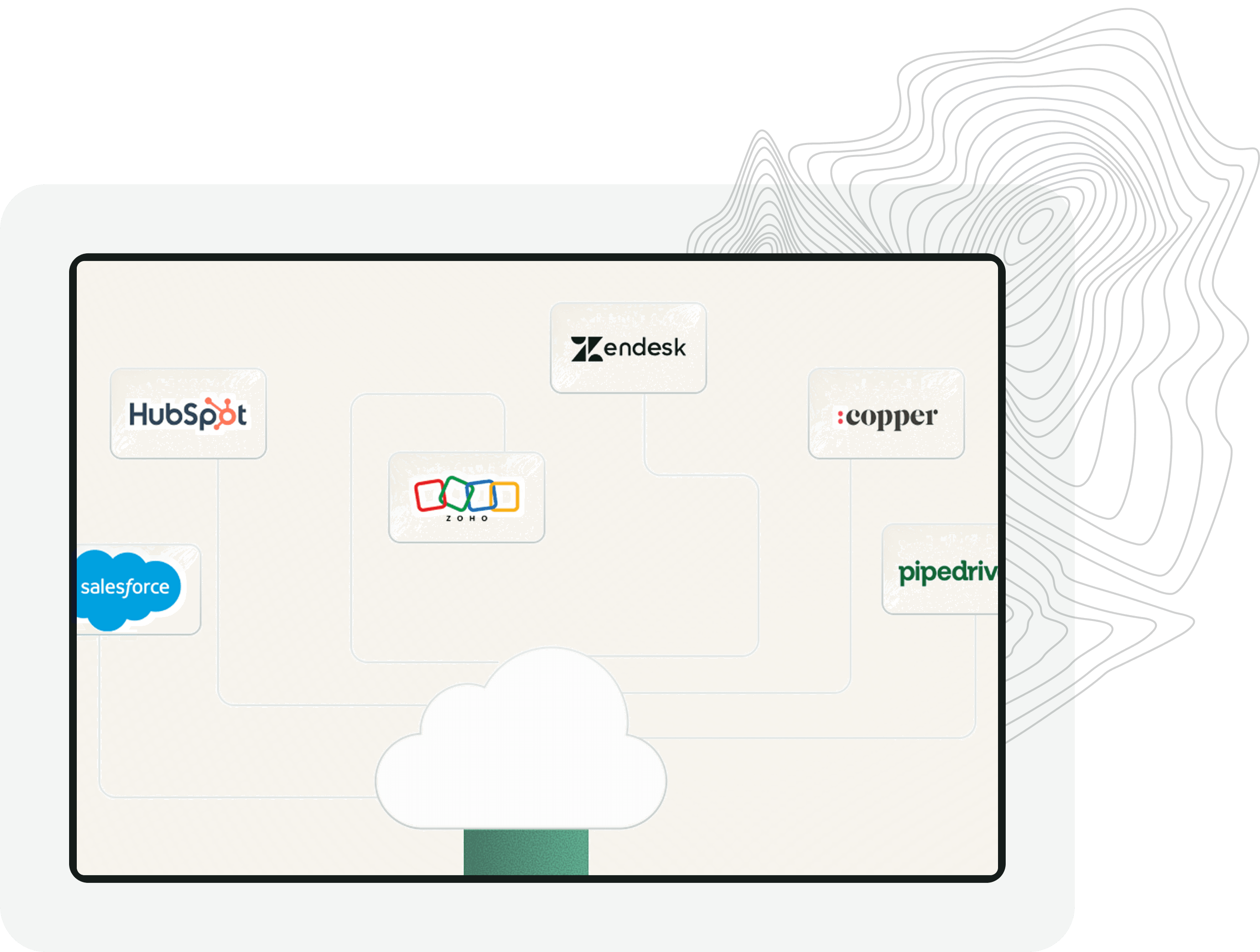
The customer should not have to repeat a qualified website conversation in a separate form. Use the collected details to create the appropriate record, calendar event, notification, or workflow input.
Small business implementation
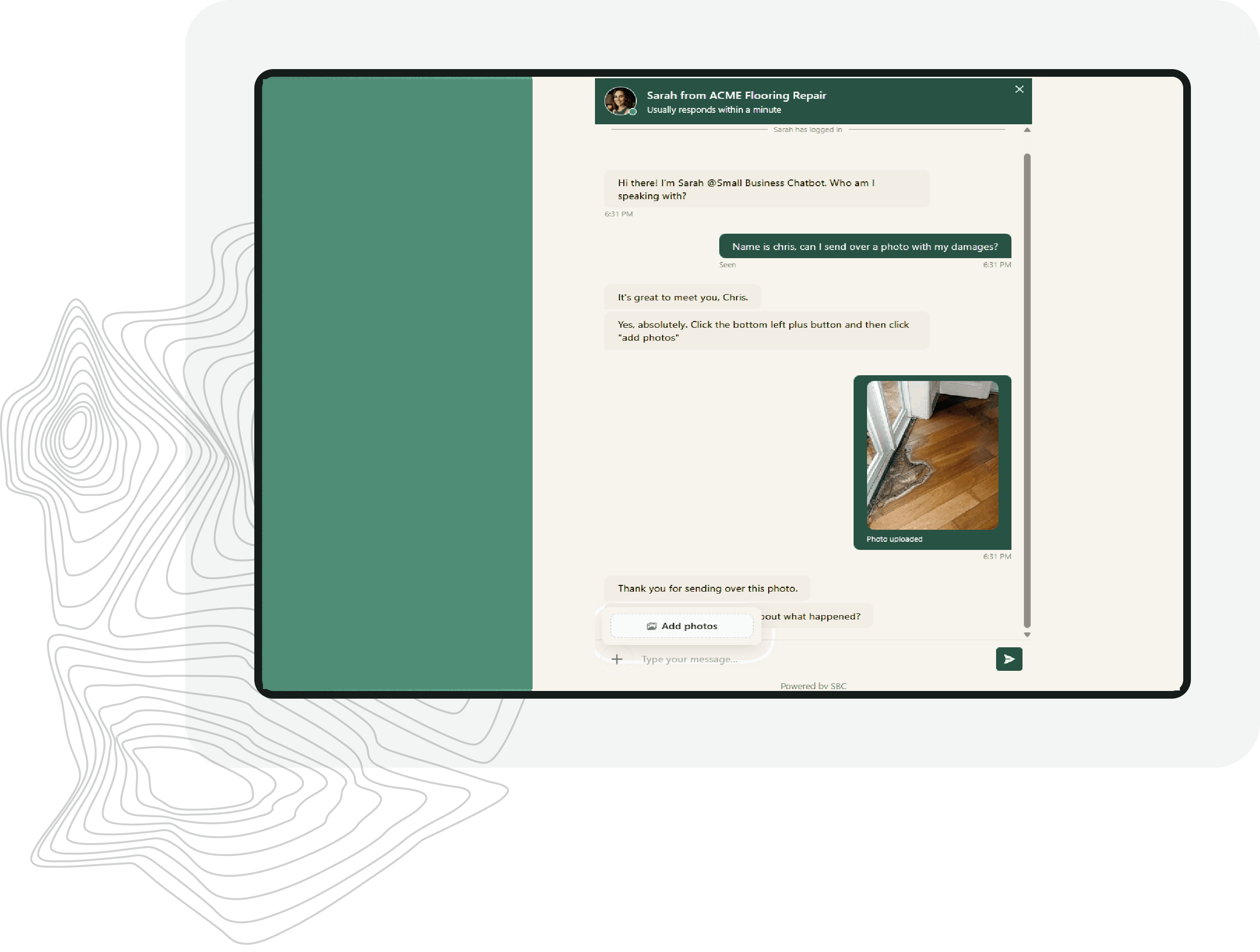
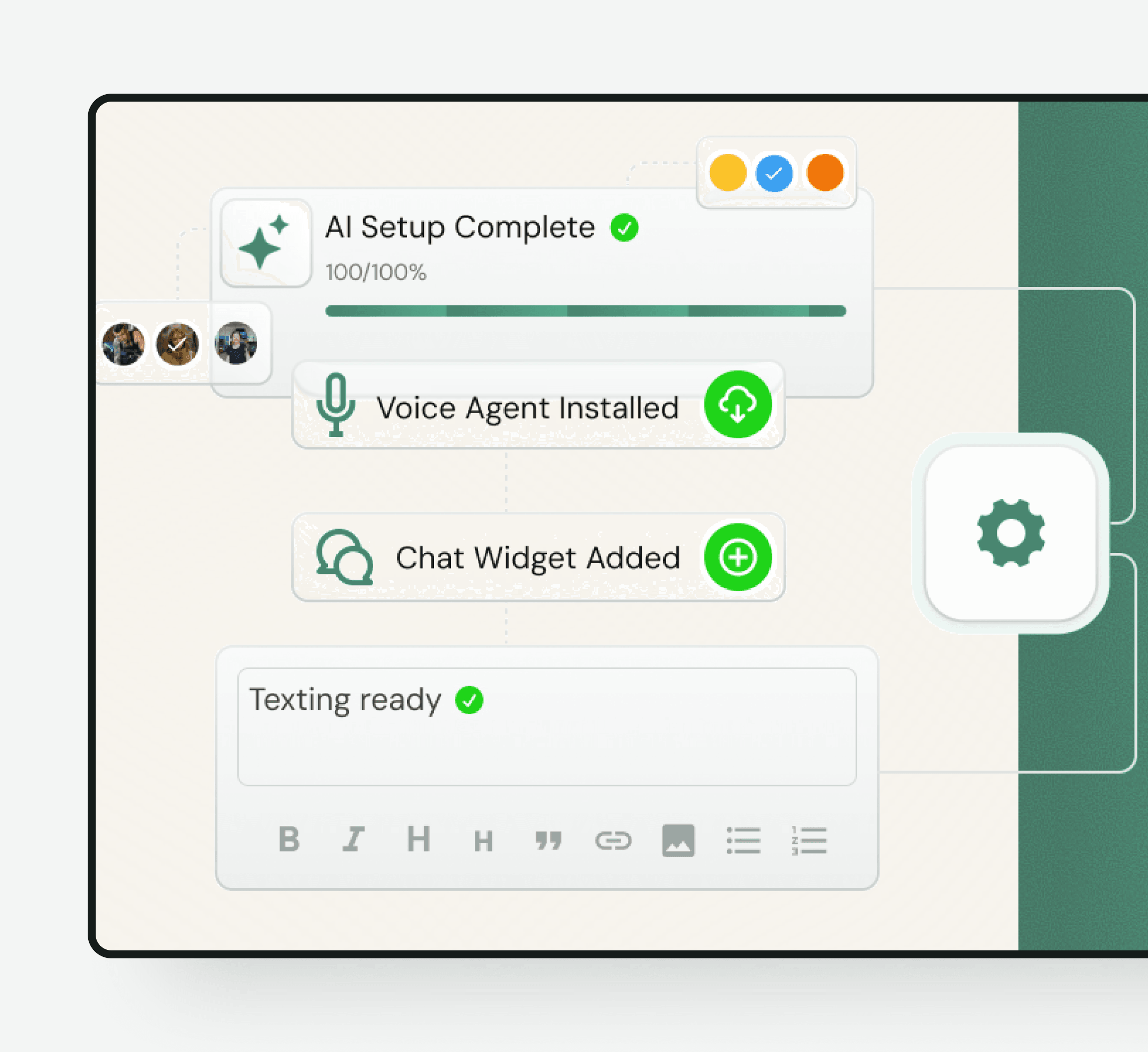
A small team does not need an enterprise transformation program. Choose one common request, define the knowledge and fields it needs, connect the next action, and test the handoff. Add new jobs only after the first one is reliable.
Governance and trust
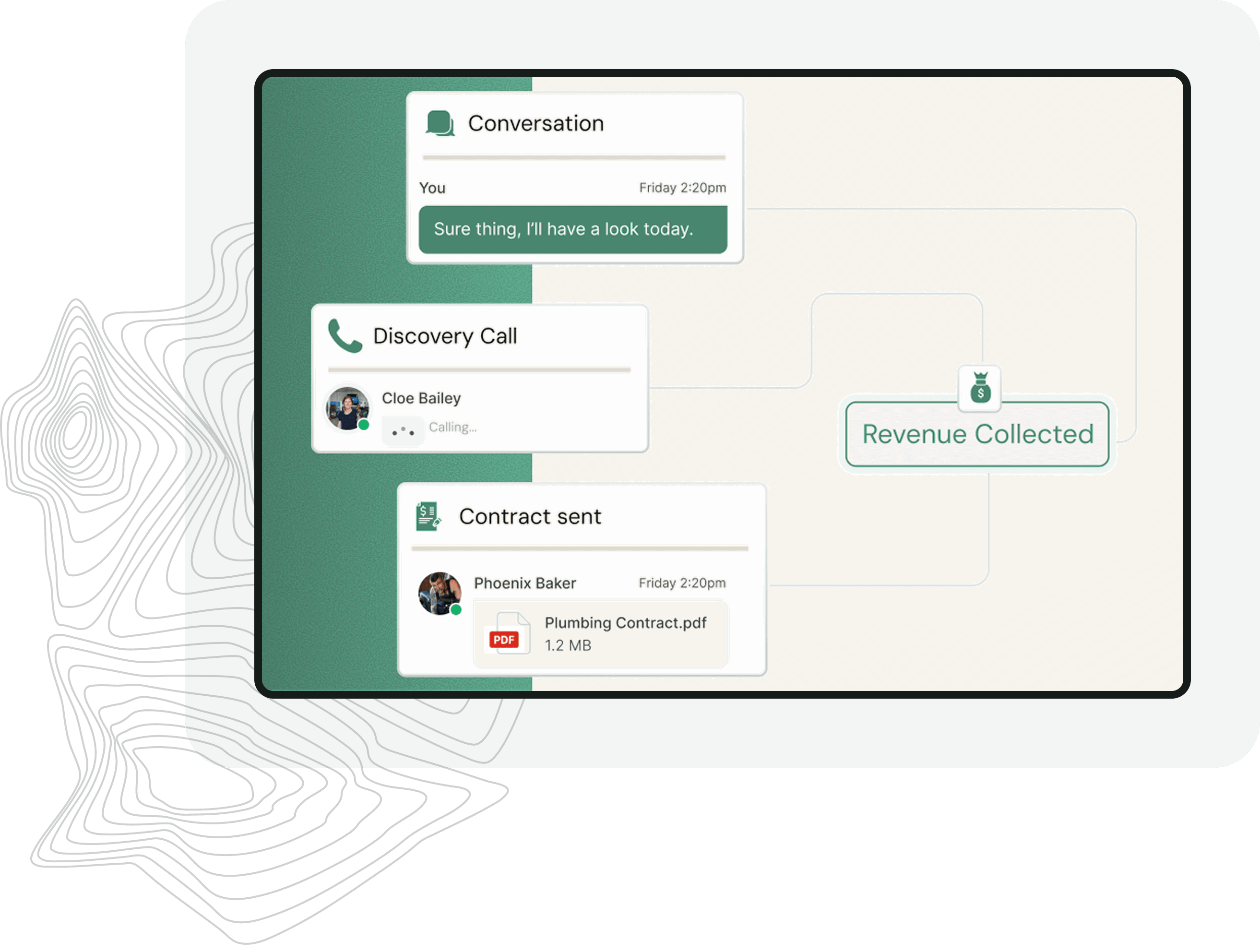
Customers and staff should know when the agent answered, what information it collected, and whether it booked, routed, or stopped. Use clear copy and event records instead of vague claims that the AI handled everything.
Choose the right model
The terms overlap, but buyer intent differs. A chatbot emphasizes the conversation. An AI agent emphasizes the bounded work completed after it understands the request.
| AI customer service agent | Customer service chatbot | Human service team |
|---|---|---|
| Answers and completes configured steps | Answers and guides in chat | Handles open-ended work |
| Uses connected calendars and workflows | May capture and route | Uses full internal systems |
| Works within explicit authority | Works within answer and chat rules | Applies judgment and approval |
| Best for repeatable customer jobs | Best for first-response conversations | Best for exceptions and empathy |
Human handoff
A reliable AI agent knows which step it can complete and which step belongs to a person. The handoff should include the goal, transcript, structured fields, action already taken, and the specific reason human review is needed.
Implementation
Frequently asked questions
It is an AI system that understands a customer request, responds from approved knowledge, collects the required context, and completes configured steps such as booking, record creation, routing, or workflow initiation.
A chatbot primarily describes the conversational interface. An AI agent emphasizes the work completed after understanding the conversation. Small Business Chatbot uses a website chat interface and can connect that conversation to calendars, CRM records, and workflows.
Good starting tasks include answering approved questions, qualifying inquiries, collecting structured details, offering an appropriate appointment, creating a lead record, sending a notification, and routing a prepared request to staff.
Not by default. Financial decisions, refunds, disputes, account changes, safety issues, and policy exceptions should remain behind explicit rules or human approval. The agent can collect the information needed for review.
Yes. Small Business Chatbot supports calendar, CRM, and workflow integrations so approved customer actions and captured details can move into the systems your business uses.
The customer should receive a clear fallback instead of an unconfirmed success message. The request and failure context should be routed for staff follow-up according to the workflow you configure.
The page is designed around the needs of small service businesses and small teams. It focuses on website first response, qualification, booking, routing, and practical workflows rather than enterprise ticketing and contact-center administration.
Begin with one frequent, bounded request. Define the source information, required fields, allowed next action, and handoff conditions. Test that complete path before giving the agent another job.
Start with a personalized website-chat preview, then book a working session if you want to map calendars, routing rules, or follow-up workflows.
Free personalized preview. No signup required.