
“We were genuinely surprised by how much opportunity was coming in after hours.”

Kenneth DeemerFounder, Local Roots Landscaping
Website AI front desk
The website chat widget welcomes visitors, answers the questions your business can answer, collects the details needed for the request, and gives each customer a clear next step. Your chat widget is the front door. Phone coverage is an optional add-on.
Free personalized preview. No signup required. Website-first. Trained on your business. Ready when visitors arrive.
 AI assistant from Your BusinessUsually responds within a minute
Trusted by service businesses that need a better first response online.
“We were genuinely surprised by how much opportunity was coming in after hours.”
“By far the easiest website chat to set up, implement, and manage.”

“The chatbot integrates seamlessly into our website, helping us engage customers instantly.”

Plain-language definition
A website AI front desk handles the first part of an inbound customer conversation. It greets the visitor, answers routine business questions, identifies the reason for the inquiry, and guides the person toward booking or team follow-up. It does not staff a physical lobby, replace judgment, or silently turn the chat widget into a phone receptionist. Whether it is called an AI front desk or front desk AI, the website conversation is the core job here.
Give every website visitor a starting point without making them search menus, wait for live chat, or choose the right form alone.
Answer common questions, identify the request, collect the relevant facts, and explain what happens next.
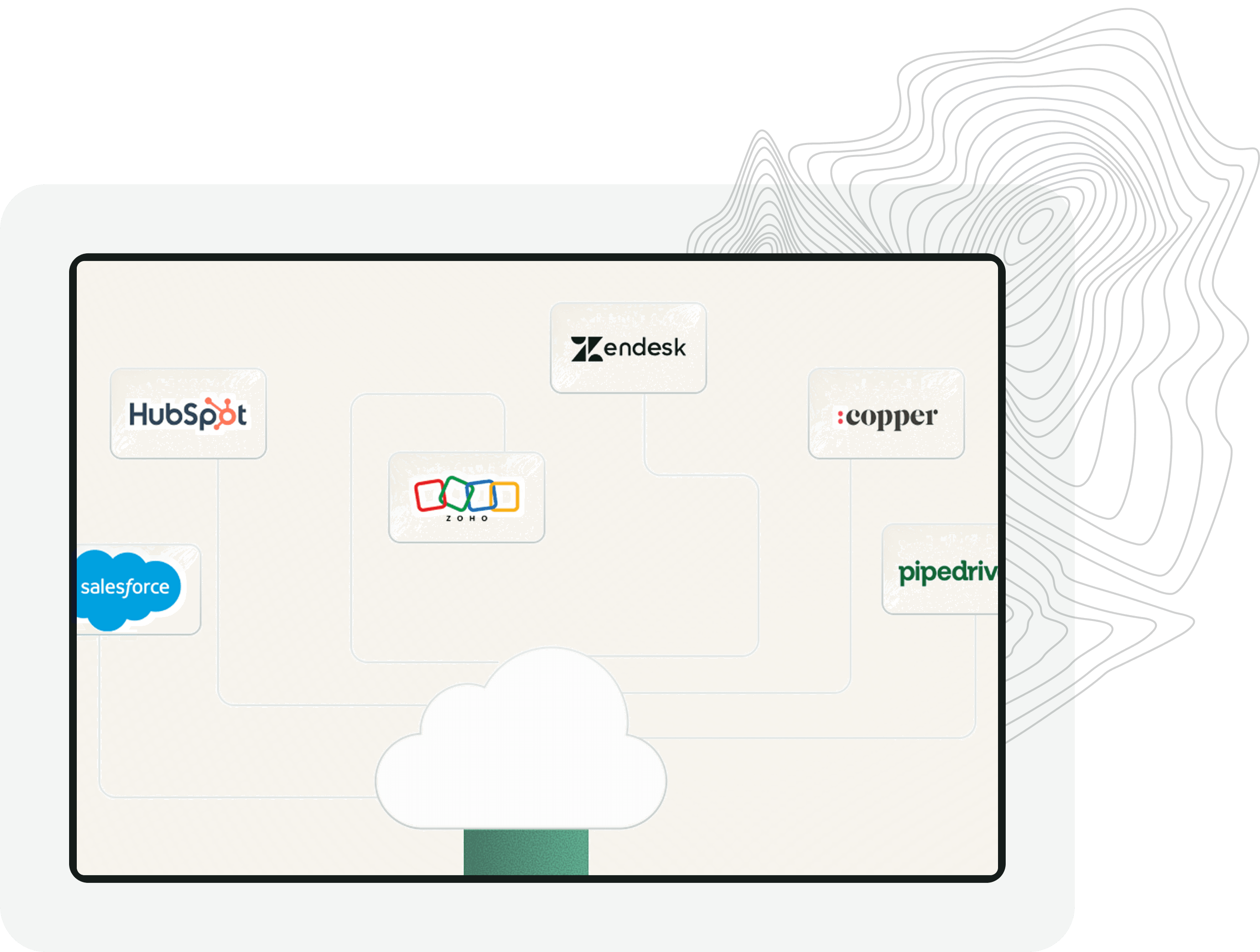
Use calendars, CRM records, notifications, and workflows to carry the conversation beyond the chat window.
Front desk coverage
A small business front desk sees many kinds of requests. The website version should understand which path the visitor needs and collect context before it asks your team to act.
Explain service fit, ask what the customer needs, confirm location, and move a good-fit inquiry toward contact or booking.
Collect project type, scope, timing, address, photos, or other details needed before your team reviews an estimate request.
Help a qualified visitor choose the right calendar, appointment type, location, or team based on the conversation.
Identify active jobs, invoices, warranties, rescheduling, and service questions and collect the reference details needed for follow-up.
Answer approved questions and capture the request while clearly stating your real hours, response expectations, and emergency boundaries.
Recognize an explicit request, exception, sensitive issue, or urgent situation and pass the conversation context to your team.
The workflow
The AI front desk should make the path clearer at each turn. It is not there to keep a visitor chatting when an answer, appointment, or person is the better next step.
Start with a plain invitation to ask a question instead of a long menu of departments and services.
Identify whether the visitor needs information, a quote, an appointment, existing-customer help, or a person.
Answer from approved knowledge and gather only the details needed for the selected next step.
Book, create a lead record, trigger the configured workflow, or send the complete request to the team.
Trust by design
Write honest rules for availability, pricing, arrival times, emergencies, approvals, and exceptions. The AI can move quickly while staying inside those boundaries.
Website-first front desk
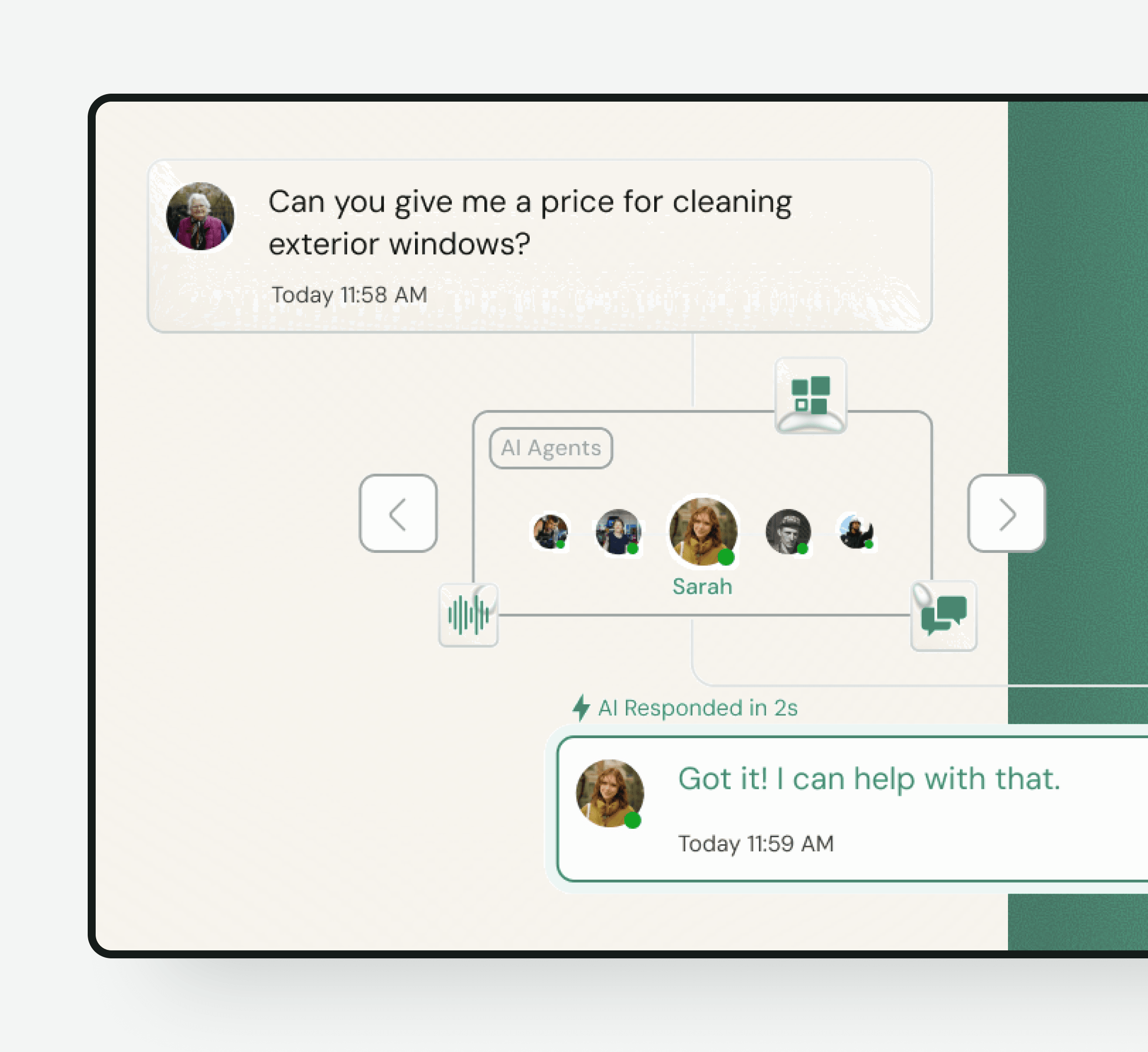
The chat widget sits on the service, product, pricing, and contact pages customers already use. It can carry the page context into the conversation and help the visitor take the next step without switching to a phone call or waiting for a reply.
Front desk automation
Front desk automation works best when the business defines the repeatable first-response job. Use the AI for information, intake, routing, and configured actions. Keep disputes, exceptions, empathy, approvals, and sensitive decisions with your team.
Optional phone coverage
Small Business Chatbot is website-chat first. If missed or after-hours calls are also a problem, the AI answering service can be added as another channel using the same business knowledge, qualification approach, calendars, and CRM workflows.
Choose the right model
These are different operating models. Choose based on the channel, work, and level of judgment the customer needs.
| Website AI front desk | Virtual receptionist | Staffed front desk |
|---|---|---|
| Works inside website chat | Usually handles phone calls | Handles phone and in-person requests |
| Answers approved routine questions | Uses scripts or live staff | Handles judgment and exceptions |
| Qualifies, books, and routes online | Takes messages and may book | Coordinates complex office work |
| Best for website first response | Best for phone coverage | Best for high-touch and physical operations |
Human handoff
The AI should collect the reason for the request, the details already shared, and the contact path the customer expects. Your team then sees a prepared conversation instead of a vague alert that someone used the website.
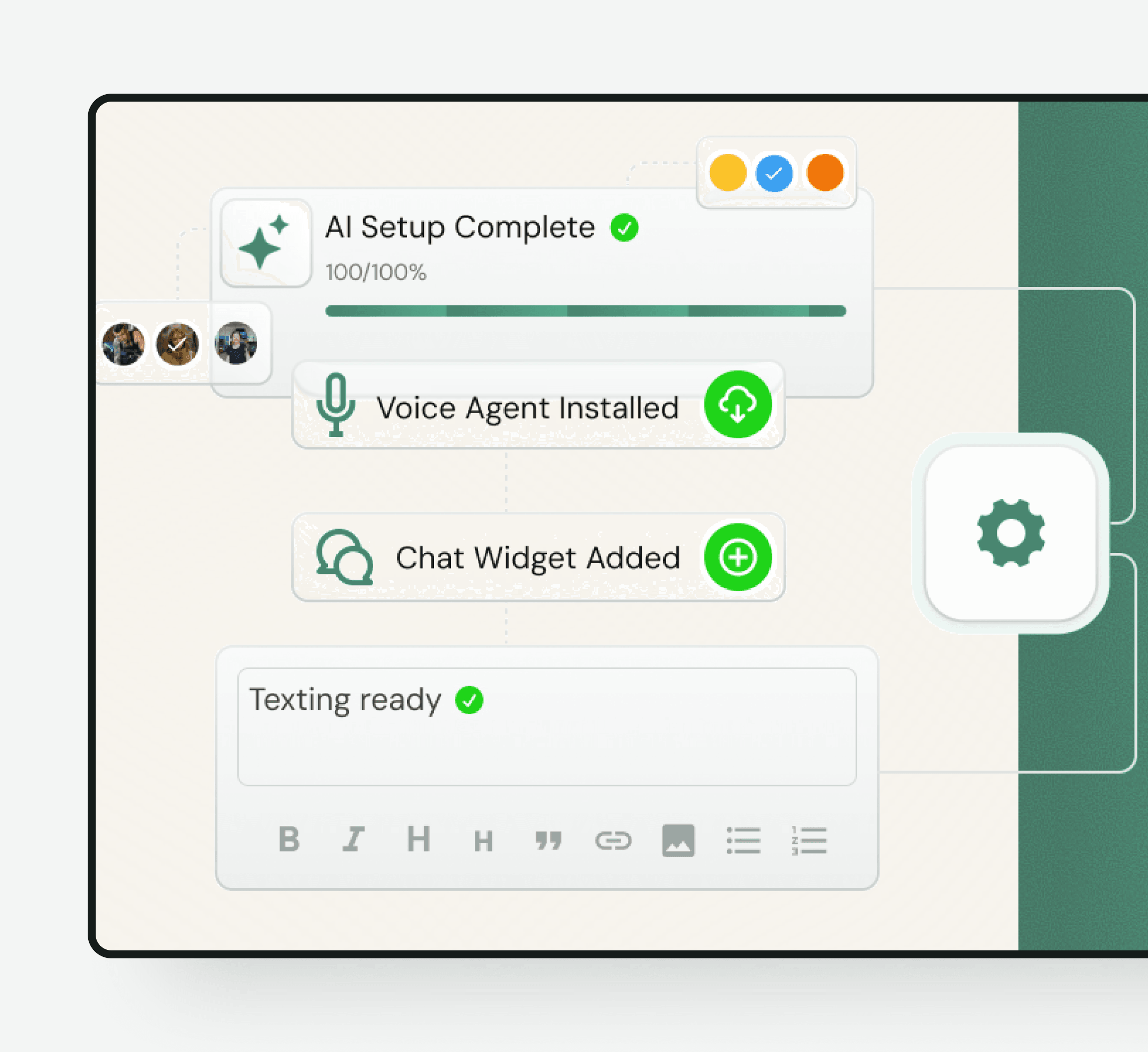
Implementation
Frequently asked questions
An AI front desk handles repeatable first-response work such as answering routine questions, collecting inquiry details, qualifying fit, booking, and routing. Small Business Chatbot applies that job to conversations that begin on your website.
The core product on this page is a website chat widget. AI phone answering is available as an optional add-on and is kept separate so you can choose the channels your business needs.
Not always. Virtual front desk can describe remote receptionists, video kiosks, visitor check-in software, or phone services. This page specifically describes an AI front desk for customer conversations on a small business website.
It can answer approved questions, identify the request type, collect contact and job details, qualify service fit, offer configured appointments, create records, and route the conversation to your team.
Yes. It can distinguish an active job, appointment, invoice, warranty, or service question and collect the relevant reference details. Requests that need account access or judgment still go to your team.
The AI front desk can begin with information from your public website. You can add prompts, policies, qualification rules, language guidance, and boundaries as part of the setup and ongoing tuning.
Yes. With a connected calendar and clear qualification rules, it can offer the appropriate appointment after the visitor provides the information your business requires.
It is designed to cover repeatable first-response and intake work, not every front desk responsibility. People remain essential for judgment, exceptions, empathy, approvals, and physical office work.
See how the widget could greet visitors, answer routine questions, and collect the right details for your team before you install anything.
Free personalized preview. No signup required.