
“We were genuinely surprised by how much opportunity was coming in after hours.”

Kenneth DeemerFounder, Local Roots Landscaping
AI appointment booking
Stop trading availability through phone tag and email chains. The chat agent books, reschedules, and cancels appointments from live calendar availability, a shareable booking page covers everyone else, and reminder workflows keep every booked time on track.
Free personalized preview. No signup required. Website chat booking is the core experience. Phone and text coverage are optional.
 AI assistant from Your BusinessUsually responds within a minute
Trusted by service businesses that need a better first response online.
“We were genuinely surprised by how much opportunity was coming in after hours.”
“By far the easiest website chat to set up, implement, and manage.”

“The chatbot integrates seamlessly into our website, helping us engage customers instantly.”

Plain-language definition
AI appointment booking is the use of an AI agent to take a customer from interest to a confirmed time on a business's real calendar. The chat agent checks live availability, offers open slots, and books, reschedules, or cancels inside the conversation. A public booking page with a shareable link covers customers who prefer to pick a time themselves, and the AI receptionist can text that link to callers. The same capability is sometimes called AI appointment scheduling, an AI appointment setter, or an AI appointment booking bot.
Appointments land on the connected business calendar as real events, with live availability checks and double-booking protection at confirmation.
The chat widget books in conversation, the AI receptionist texts the booking link during calls, and the booking page link can be shared in emails, invoices, and replies.
Confirmation and reminder workflows, self-serve reschedule and cancel links, and automatic CRM activity records keep booked appointments on track.
See the end-to-end flow
The same system that lets the AI book also gives every customer a clean way to pick, change, or cancel a time themselves: on the booking page, from the calendar invite, and over text.
The AI receptionist can text the booking link while the caller is still on the phone. From there, the workflows you publish confirm the booking, remind the invitee before the appointment, and follow up if anything is cancelled.
Booking jobs it handles
A booking system for a small team has one job: fewer gaps between someone wanting your help and a time on the calendar. Each channel gets its own path to the same live availability.
The chat agent offers genuinely open times during the conversation and books the appointment once the visitor picks one, without sending them away to a form.
The AI receptionist asks the caller's permission, texts your booking link mid-call, and lets them confirm a time on their own phone, like an AI appointment setter for inbound calls.
Every connected calendar gets a public booking page with a clean, shareable URL you can drop into emails, quotes, invoices, social bios, and text replies.
Invitees change or cancel their own bookings through secure links, inside the cutoff windows you set, and the calendar updates for everyone automatically.
One-click workflow starters send booking confirmations and reminders by email, text, or AI voice call, and reminders stop on their own if the appointment is cancelled.
Every booking, reschedule, and cancellation is recorded on the contact's CRM activity timeline, with contacts matched by email or phone first.
The workflow
The booking should feel like a short conversation with a competent front desk, not a scheduling errand the customer has to run on their own.
The agent first confirms what the customer needs and whether it fits your services and service area, so the wrong jobs never reach the calendar.
Open times come from the connected calendar and follow your booking rules: business hours, buffers, minimum notice, and how far out invitees can book.
The appointment is created on your calendar, availability is re-checked at confirmation to prevent double bookings, and the invite carries reschedule and cancel links.
Reminder workflows run on schedule, stop automatically when someone cancels, and recompute their timing when someone reschedules.
Trust by design
Speed is only useful when the calendar can be trusted. The agent offers only genuinely open times, respects your minimum-notice and cutoff rules, and routes urgent requests to a person instead of overpromising.
Your public booking page
Every connected calendar gets a public booking page at a clean, shareable link. It shows live availability in the visitor's own timezone, collects the details you require, and confirms the booking on the spot. It stays in sync with the same calendar your AI agents book against.
Confirmations and reminders
Booked, rescheduled, and cancelled appointments can each start a workflow. One-click starters create a booking confirmation, a 24-hour reminder sequence, an internal notification, and a cancellation follow-up as drafts, so nothing sends until you review and publish it.
CRM and call coverage
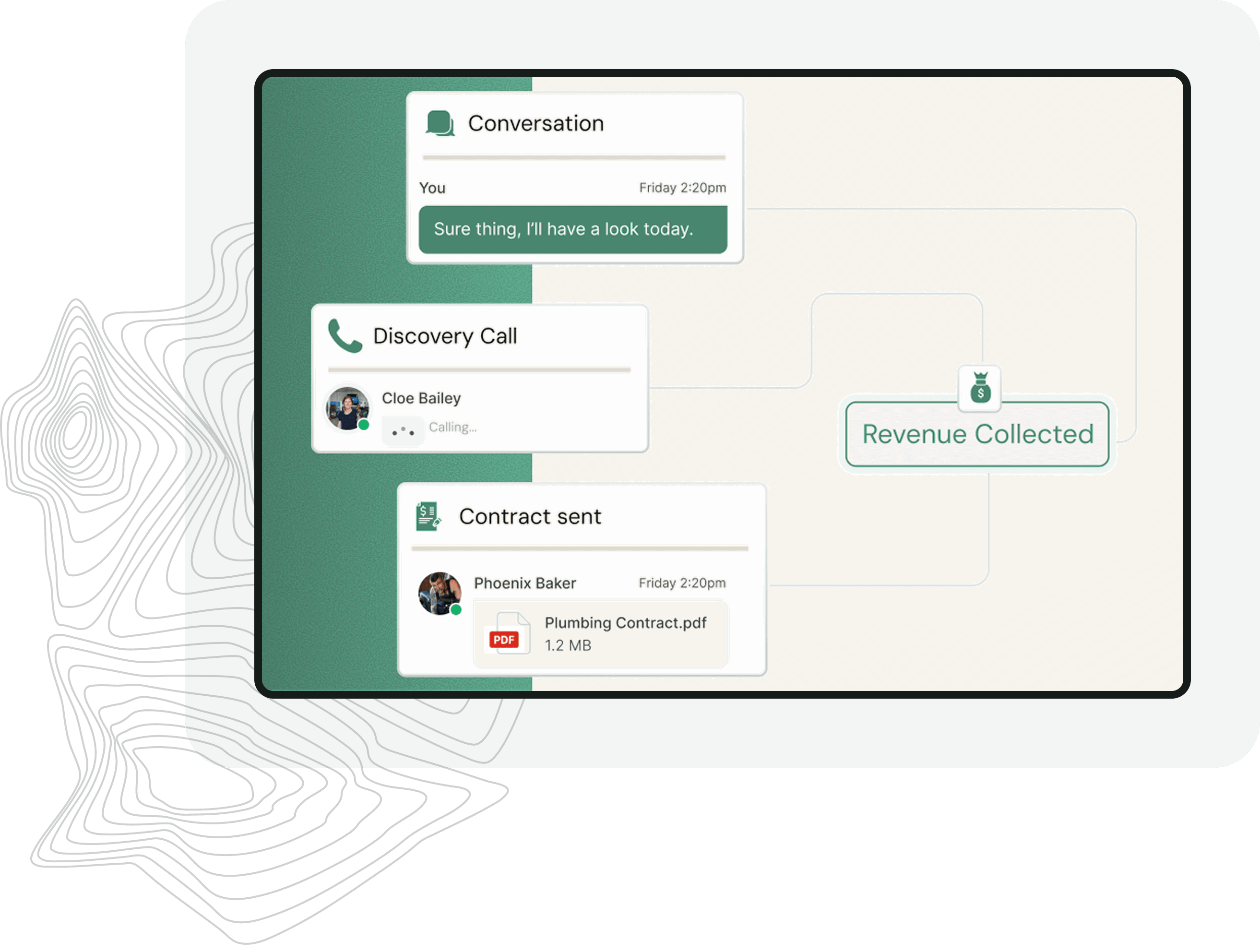
Appointments are not a separate silo. Bookings from the chat agent, the public booking page, and callers who used the texted link all sync onto the CRM contact's activity timeline, so your team sees the full history in one place.
Choose the right model
Most small businesses run all three today: a scheduling link in some emails, a phone line, and a lot of manual coordination. The difference is what happens around the booking.
| AI appointment booking | Standalone booking link | Phone and voicemail |
|---|---|---|
| Books during the conversation, on live availability | Customer must leave the conversation to book | Depends on someone answering in time |
| Qualifies the request before offering a time | Any visitor can take any open slot | Qualification happens live, call by call |
| Confirms, reminds, and adapts automatically | Reminders depend on a separate tool | Reminders are manual, when they happen |
| Self-serve reschedule and cancel with your cutoff rules | Changes often mean starting over | Changes mean more calls and voicemail |
| Every appointment synced to the CRM timeline | Exports or manual entry | Whiteboards, memory, and sticky notes |
Human handoff
Some requests should never be auto-booked. When a conversation crosses the rules you set, the agent collects the full context: who, what, where, and how urgent. It routes that to your team instead of forcing a bad appointment onto the calendar.
Implementation
Frequently asked questions
AI appointment booking uses an AI agent to turn a customer conversation into a confirmed appointment on the business's real calendar. The agent checks live availability, offers open times, books the one the customer picks, and can reschedule or cancel it later. The same capability is often called AI appointment scheduling.
Yes, within rules you control. Automated appointment scheduling only offers times that are genuinely open on your connected calendar, honours business hours, buffers, and minimum notice, and re-checks availability at confirmation so two people cannot take the same slot.
Yes. The AI receptionist answers the call, qualifies the caller, and with their okay texts them your booking link during the call, so they confirm a time on their own phone. Bookings made that way sync to the same calendar and CRM as chat and booking-page appointments.
For most small teams, yes. Every connected calendar gets a public booking page with a shareable link, live availability, invitee timezone support, and self-serve reschedule and cancel links. That covers what a standalone online booking system for small business use normally provides, with AI agents and CRM sync built around it.
Appointment triggers can start workflows that send texts, emails, or AI voice calls. One-click starters create a booking confirmation and a 24-hour reminder sequence as drafts, and nothing sends until you review and publish them. Published reminders stop automatically if the invitee cancels.
Yes, when you allow it. Confirmation screens and calendar invites include secure reschedule and cancel links that work until the cutoffs you set, and a reschedule updates the calendar, the CRM timeline, and any pending reminder timing automatically.
Calendar connections use Nylas's secure hosted sign-in, so you connect the business calendar your team already uses in a couple of clicks. Availability, buffers, and double-booking protection all run against that connected calendar.
No. Offered slots come from live availability, tentative events count as busy, and the platform re-checks the calendar and locks the slot at confirmation. If two people go for the same time, the second is asked to choose another slot.
Get a personalized preview using your website, services, and booking questions. No signup is required to see how the first booked conversation could work.
Free personalized preview. No signup required.